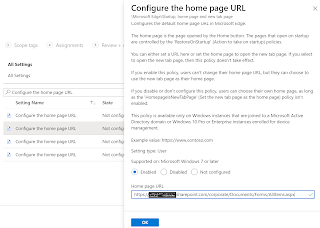
Enable Google Chrome browser extensions using Settings Catalog in Intune to support Conditional Access Policies
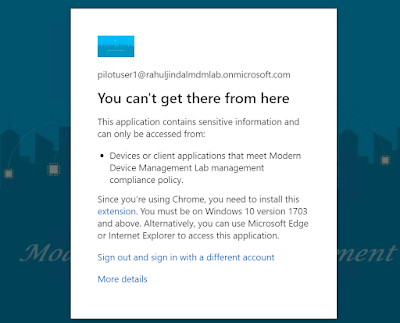
When I blogged about using settings catalog for Google Chrome browser settings back in March 2022, I knew this is only a start as Google Chrome's admx was now built into Intune. After only a couple of weeks, I now find myself using settings catalog again to configure yet another Google Chrome browser setting which I had been configuring using CSP all this while. The configuration in question is for enabling specific Google Chrome browser extensions in order to support device state based Conditional Access policies. Enabling Google Chrome Windows Accounts or Office Online extensions Windows Accounts or Office Online extensions are required if you want Google Chrome browser to support Conditional Access policies where device state is being used as a condition. Note: These extensions may not work with Hybrid Azure AD join scenario and may only work for Azure AD identity. In this blog, I will configure Windows Accounts extension as an example. Follow the steps below ...